Top 5 Tips for Better Desk Posture
Health, Ergonomics, Workplace Wellness
Top 5 Tips for Better Posture When You Sit at a Desk All Day
Long hours at a desk don’t have to mean a stiff neck, sore back, and aching shoulders. With a few simple, consistent changes, you can transform the way you sit and protect your posture for the long term.
1. Align Your Chair and Hips for a Neutral Spine
Good posture starts with your chair. Sit all the way back so your hips are supported by the backrest, rather than perching on the edge. Your lower back should maintain a gentle natural curve, not be flattened against the chair or rounded forward. If your chair doesn’t offer much lumbar support, add a small cushion or a rolled-up towel at the curve of your lower back to help you stay upright without straining your muscles.
Adjust the chair height so your hips are roughly level with, or slightly higher than, your knees. This position reduces pressure on your lower back and discourages slumping. Avoid tucking your feet under the chair, which tilts the pelvis and pulls your spine out of alignment.
2. Set Your Screen at Eye Level to Avoid Neck Strain
One of the biggest posture saboteurs is a screen that’s too low. When you constantly look down, your head juts forward and your neck muscles work overtime. Aim to have the top of your monitor at or just below eye level, about an arm’s length away. If you use a laptop, place it on a stand or a stack of books and connect an external keyboard and mouse to keep your arms relaxed while your eyes stay level.
Keep the screen directly in front of you, not off to the side. Constantly twisting your neck or torso to look at a second monitor, or to read from a document lying flat on the desk, can create subtle but persistent strain. Use a document holder or position frequently used items so you can face forward most of the time.
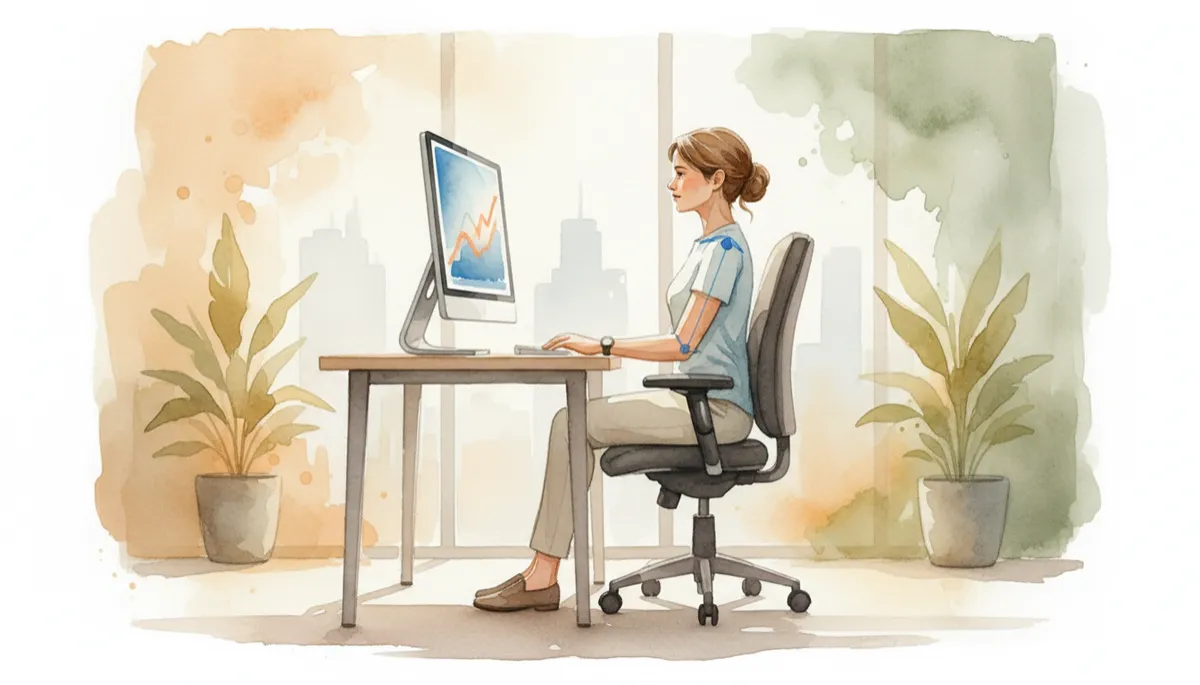
Small ergonomic tweaks to chair and screen height can dramatically reduce daily neck and back tension.
3. Relax Your Shoulders and Support Your Arms
Hunched, elevated shoulders are a common sign of desk stress. Let your shoulders drop away from your ears and imagine widening your collarbones. Your elbows should rest close to your body at about a 90-degree angle, with your forearms parallel to the floor. If your chair has armrests, adjust them so they lightly support your forearms without forcing your shoulders upward. If it doesn’t, consider adding a cushioned wrist rest or adjusting desk height so your arms feel supported, not suspended.
As you type, keep your wrists in a neutral, straight line—neither bent up nor sagging down. This positioning not only protects your shoulders and upper back, but also reduces the risk of strain in your wrists and hands, supporting overall comfort during long work sessions.
4. Plant Your Feet and Use the Floor for Stability
Your feet are the foundation of your seated posture. Aim to keep them flat on the floor, hip-width apart, with your weight evenly distributed. Avoid crossing your legs for long periods, wrapping your feet around the chair base, or letting them dangle. These habits can tilt your pelvis and twist your spine, gradually leading to discomfort in your hips and lower back.
If the chair is too high and your feet don’t comfortably reach the floor, use a footrest or a sturdy box to create a stable platform. When your lower body feels grounded, it’s much easier to maintain an upright, balanced posture through your spine and shoulders, without constantly fidgeting or sliding forward in the seat.
5. Build in Micro-Breaks and Gentle Movement
Even perfect posture isn’t meant to be held rigidly all day. Your body thrives on movement. Set a timer or use a reminder app to prompt you to stand, stretch, or walk for one to two minutes every 30–60 minutes. These micro-breaks help reset your posture, boost circulation, and give your eyes a chance to rest from the screen. Think of them as maintenance stops that keep your body running smoothly throughout the day.
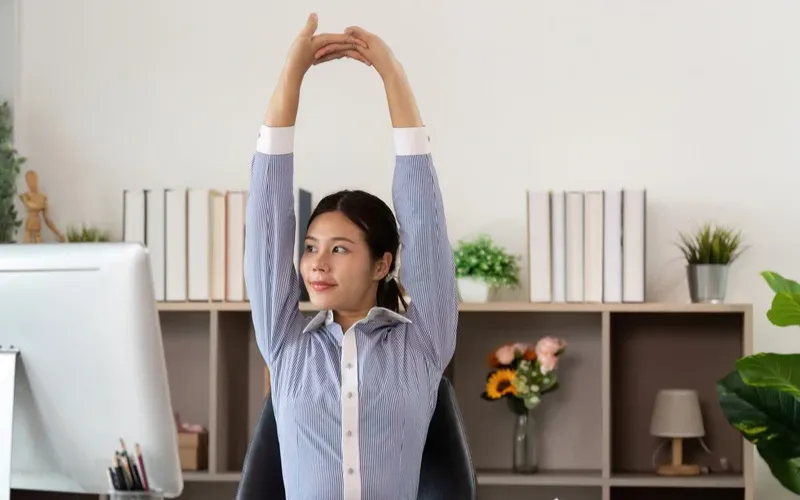
During breaks, try simple movements: roll your shoulders back, gently tuck your chin to lengthen the back of your neck, or interlace your fingers and reach your arms overhead. These small stretches counteract the rounded, forward posture that naturally develops when you focus on a screen for hours at a time.
💡 Pro Tip: Treat posture as a habit, not a one-time fix. Choose one tip to apply today—like raising your screen or grounding your feet—and layer in the others over the next few weeks for lasting change.